
Kubernetes Development with Red Hat OpenShift Local
THNKBIG Team
Engineering Insights
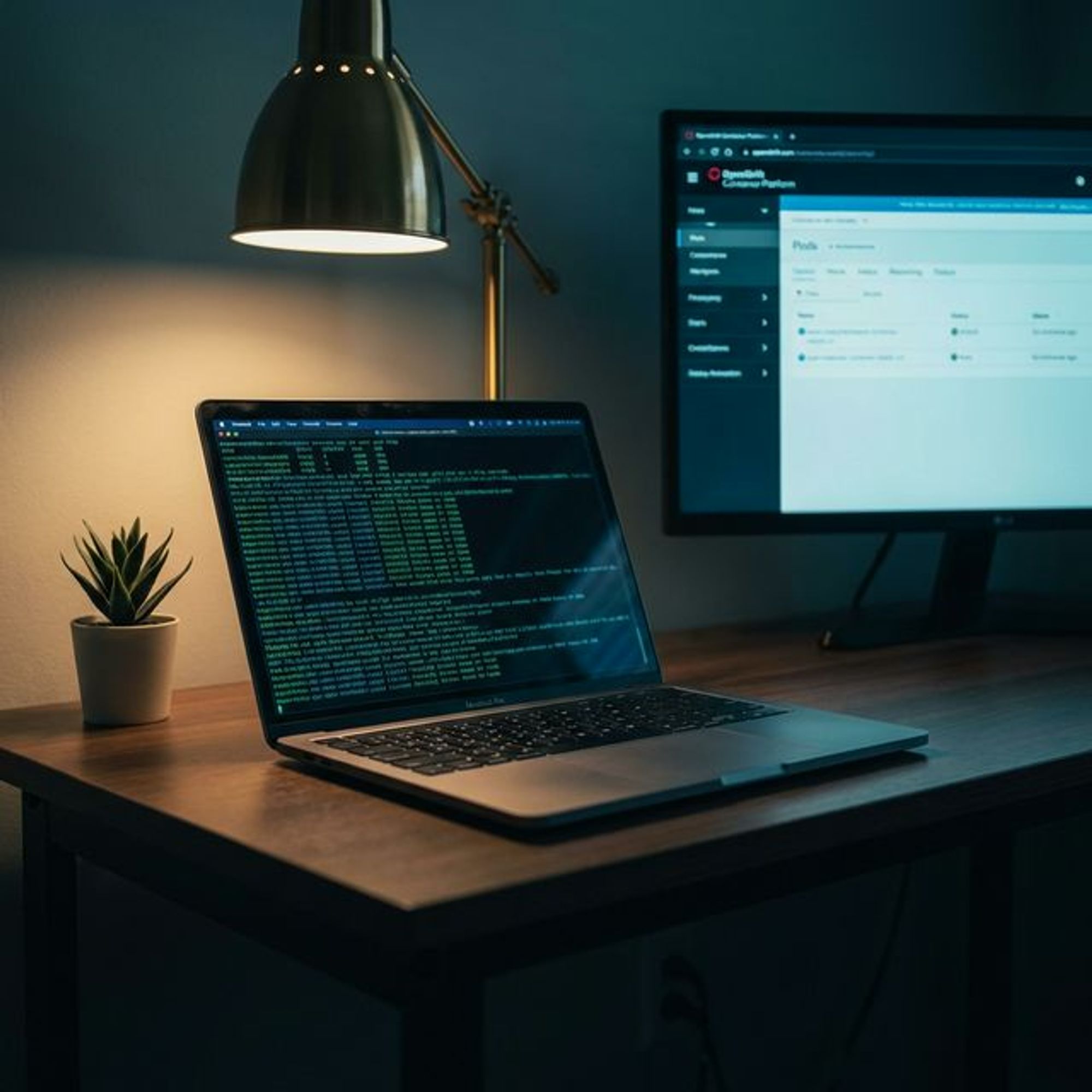
Developing applications, services, and solutions for Kubernetes is no easy task. With a constantly changing landscape and releases three times a year it can be daunting to create a sane local environment for testing and development.
If your production environment includes Red Hat OpenShift, then you’re in luck because today we tackle how to set up OpenShift locally.
You can watch the video or read below to get going.
Prerequisites:
- MacOS/Linux/Windows
- Red Hat Account
- You’re favorite terminal
Tools:
- VSCode
- Red Hat OpenShift Toolkit
Help:
- ROSA Slack Channel
Instructions:
- Login to console.redhat.com
2. Click Create Cluster
3. Choose Local as the cluster type
4. Select Windows, MacOS, or Linux. *For MacOS choose x86 if you’re still running Intel-based macs or aarch64 for Apple Silicon ie M1 or higher Macs.
5. Click Download OpenShift Local and Download or Copy pull secret
6. After the download has completed run the installer to install OpenShift Local.
7. After the install is completed, open the terminal and run $crc setup and $crc start after setup completes
Congratulations!!! Your local OpenShift single node “cluster” is now up and running. You can access it via the web console listed in the terminal.
To deploy k8s resources via the command line, run the ‘oc’ commands listed in the screenshot.
Lets hook it up to VSCode,
If you don’t have VSCode get it and the following extensions too:
- VSCode
- Kubernetes
- Red Hat OpenShift Toolkit
Once both have been installed you should see our local cluster on the left side of the OpenShift Toolkit under the application Explorer
Now that our RHOS Local Kubernetes development environment is set up you can start pushing code to this cluster and tune it accordingly to match the resources in your dev and production environments.
If you found this how to helpful and added value then please share it on all social media platforms.
[Image: https://cdn.prod.website-files.com/67c080ecfe6b8d04e72c059b/692bcf6b12b03207aebadd43_Screenshot%2B2024-03-10%2Bat%2B1.50.14%25E2%2580%25AFPM.webp]
[Image: https://cdn.prod.website-files.com/67c080ecfe6b8d04e72c059b/692bcf6b12b03207aebadd4c_Screenshot%2B2024-03-10%2Bat%2B1.56.32%25E2%2580%25AFPM.webp]
[Image: https://cdn.prod.website-files.com/67c080ecfe6b8d04e72c059b/692bcf6b12b03207aebadd49_Screenshot%2B2024-03-07%2Bat%2B7.45.04%25E2%2580%25AFAM.webp]
[Image: https://cdn.prod.website-files.com/67c080ecfe6b8d04e72c059b/692bcf6b12b03207aebadd46_Screenshot%2B2024-03-10%2Bat%2B2.01.05%25E2%2580%25AFPM.webp]
[Image: https://cdn.prod.website-files.com/67c080ecfe6b8d04e72c059b/692bcf6b12b03207aebadd50_Screenshot%2B2024-03-10%2Bat%2B2.10.40%25E2%2580%25AFPM.webp]
[Image: https://cdn.prod.website-files.com/67c080ecfe6b8d04e72c059b/692bcf6b12b03207aebadd53_Screenshot%2B2024-03-10%2Bat%2B2.33.29%25E2%2580%25AFPM.webp]
Key Takeaways
- Red Hat OpenShift Local (formerly CodeReady Containers) runs a full OpenShift cluster on a developer workstation, enabling local testing of OpenShift-specific features before pushing to shared environments.
- OpenShift Local reduces feedback loops from hours to minutes by eliminating the round-trip to a shared dev cluster for every code change.
- The tool is especially valuable for teams targeting regulated industries where OpenShift is the approved enterprise Kubernetes platform.
- California and Texas enterprises standardizing on Red Hat OpenShift benefit from local development environments that mirror their production security policies.
Why OpenShift Local Changes the Developer Experience
Kubernetes development has long required either a shared cluster — with all the coordination overhead that implies — or a lightweight local option like minikube or kind that differs enough from production to produce surprises at deployment time. OpenShift Local sits in a different category: it runs the actual OpenShift platform locally, including the OpenShift-specific operators, the oc CLI, and the security context constraints that govern pod behavior in production OpenShift clusters.
That last point is critical. OpenShift's default security posture is significantly more restrictive than upstream Kubernetes. Container workloads run as non-root users with random UIDs by default. Images that work fine on a permissive Kubernetes cluster often fail on OpenShift because they assume root access. Catching these failures locally — before they reach a shared staging environment — saves hours of debugging and eliminates the "it works on my machine" class of problems.
System Requirements and Setup
OpenShift Local requires a modern workstation with at least 9 GB of free RAM (16 GB recommended), 35 GB of free disk space, and a CPU with virtualization support. On Apple Silicon Macs, the tool uses a native ARM hypervisor, which provides adequate performance for most development workloads. The installer handles hypervisor configuration automatically on macOS and Windows.
After installation, a single crc start command provisions the cluster and pulls the necessary container images. The first setup takes 20 to 30 minutes depending on connection speed. Subsequent starts typically take three to five minutes. The cluster comes pre-configured with an admin user and a developer user, and the OpenShift web console is accessible from the local browser.
Developing and Testing Applications Locally
Image builds: OpenShift's Source-to-Image (S2I) build system compiles application source code inside the cluster without requiring a local Docker daemon. Push your code to a Git repository or point the BuildConfig at a local directory, and OpenShift handles the rest. This is the standard build pattern for many enterprise OpenShift deployments, and testing it locally ensures your build configuration is correct before it runs in a CI pipeline.
Security Context Constraints: Test your pods against OpenShift security policies locally. If your container image tries to run as root or assumes specific filesystem permissions, OpenShift Local will refuse to schedule the pod with the same error your production cluster would produce. Fix these issues during development rather than during a deployment review.
Operator testing: If your application includes a custom operator, OpenShift Local provides a full Operator Lifecycle Manager (OLM) installation for testing your operator bundle, catalog source, and upgrade paths. This is not available in most lightweight local Kubernetes alternatives.
Integrating with Your Development Workflow
OpenShift Local integrates well with VS Code through the OpenShift Toolkit extension, which provides cluster management, application deployment, and log streaming directly from the editor. The oc CLI mirrors kubectl for most operations, with additional commands for OpenShift-specific resources like Routes, BuildConfigs, and ImageStreams.
For teams using Helm, all standard Helm operations work without modification. Kustomize overlays also work as expected. The main adjustment is composing Security Context Constraint-compliant pod specs, which our Kubernetes consulting team can help standardize across your application portfolio.
THNKBIG works with enterprises standardizing on Red Hat OpenShift across on-premise data centers and managed cloud environments. Our engineers have deployed and optimized OpenShift clusters for healthcare, financial services, and government clients across the US. Reach out to discuss your OpenShift development and production strategy.
Explore Our Solutions
Related Reading
Image Registry Snowed In: What You Need to Know About the k8s.gcr.io Freeze
Prepare for the Kubernetes image registry migration from k8s.gcr.io to registry.k8s.io. Timeline, impact assessment, and migration steps.
KubeCon 2022 Recap: Insights from the Kubernetes Community

Kubernetes Cost Optimization: A Practical Guide for Enterprise Teams
Enterprise Kubernetes deployments overspend 30-40% on cloud infrastructure. This guide covers battle-tested strategies for cutting Kubernetes costs without sacrificing reliability.
THNKBIG Team
Engineering Insights
Expert infrastructure engineers at THNKBIG, specializing in Kubernetes, cloud platforms, and AI/ML operations.
Ready to make AI operational?
Whether you're planning GPU infrastructure, stabilizing Kubernetes, or moving AI workloads into production — we'll assess where you are and what it takes to get there.
US-based team · All US citizens · Continental United States only